Dynamic Keyboard - Pro v1.9.3 APK


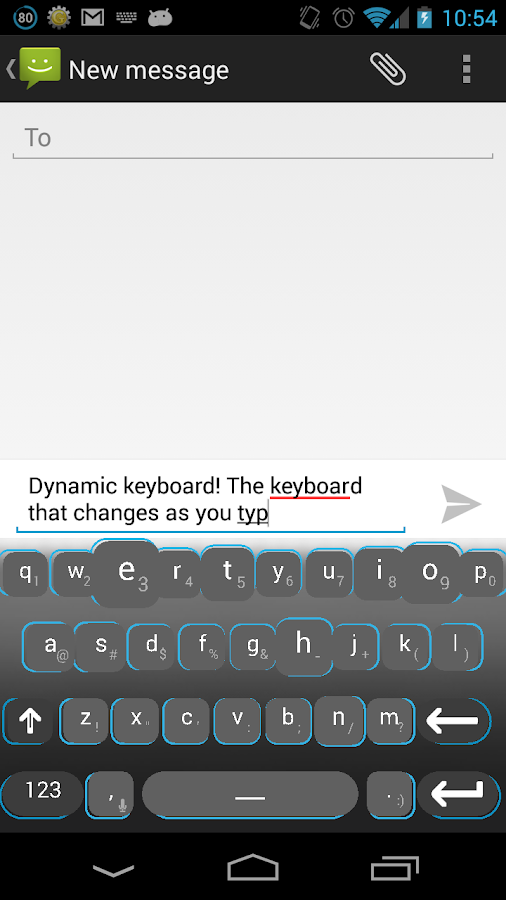
Dynamic Keyboard! A keyboard that changes as you type!


Dynamic Keyboard – Pro
play.google.com.dynamickeyboardpro
Smart, Fast and Accurate!
We have new technologies like touch screens, yet we are still utilizing them as if they
were static buttons, without animations! How does this help us?


Features :
  • Full customization

  • Colors or presets to choose from.

  • Multiple languages at same time.

  • HD Fonts

  • A way to support the app and the project so it can grow.
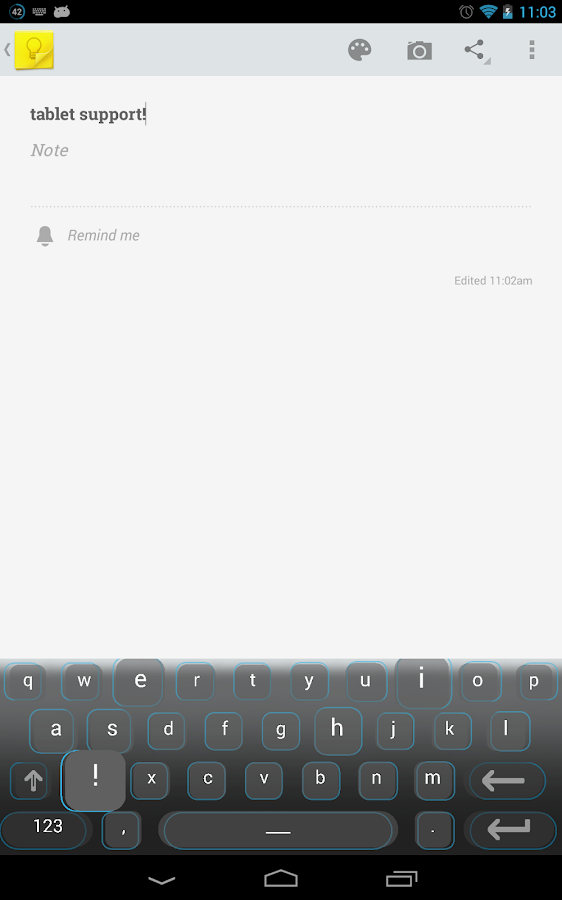
Using machine learning technologies and artificial intelligence algorithms I have been able to create a database of intelligence that helps modify the keys visibility and size depending upon the likelihood of that letter. Trained with millions of words on 19 languages, why not try it out?

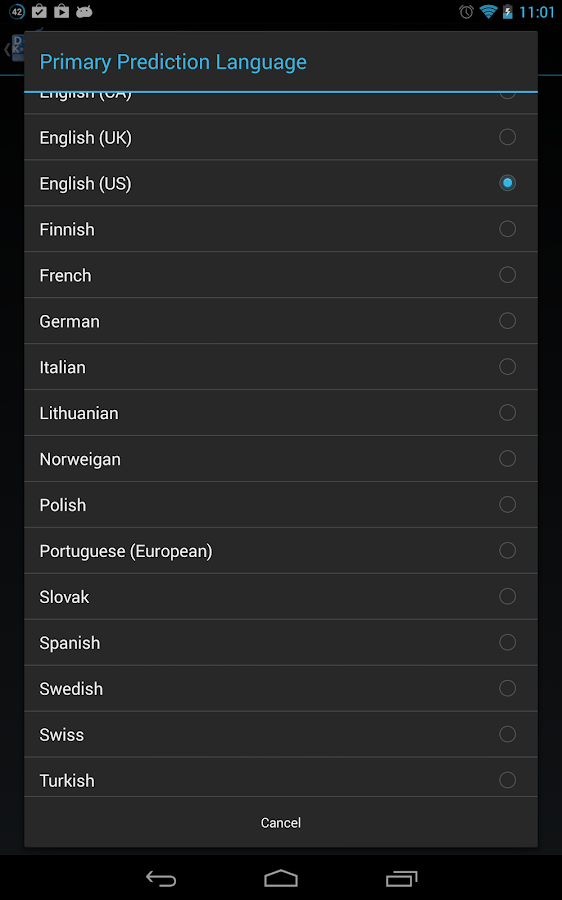
Current Languages :
  • Croatian

  • Danish

  • Dutch

  • English (CA)

  • English (UK)

  • English (US)

  • Finnish

  • French

  • German

  • Italian

  • Lithuanian

  • Norweigan

  • Polish

  • Portuguese (European)

  • Slovak

  • Spanish

  • Swedish

  • Swiss

  • Turkish
Currently the app does not have word predictions. Sorry I will do my best to try fix this and add it in future.

Features:
  • Predictive Characters to aid your accuracy and speed change size

  • Smooth Animations

  • Full Customization (Full version only, limited customization on free version)

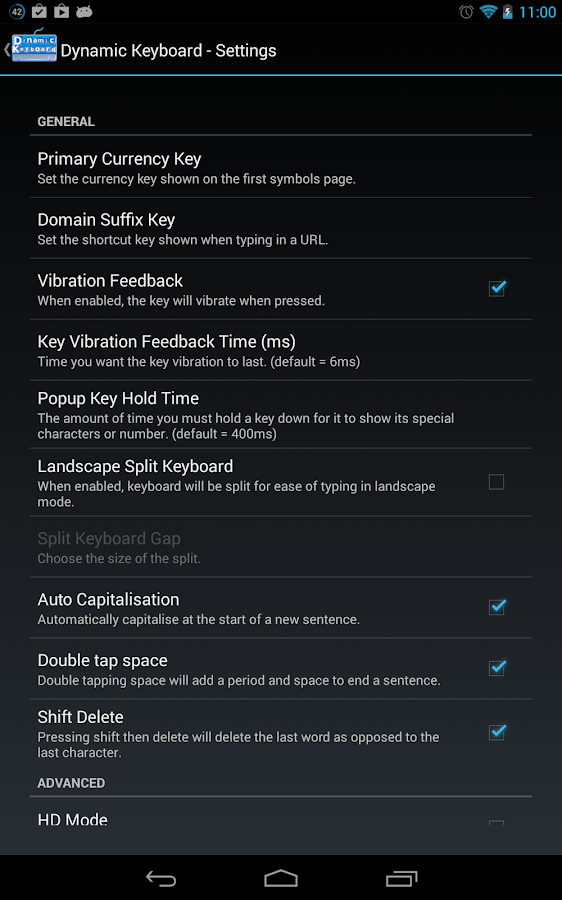
  • Many key shortcuts (eg shift-delete to delete the last word, double tap space)

  • Tablet Optimized

  • Battery Optimized

  • Safe

  • Easy To Setup

  • Intuitive

  • Fast

  • Google Voice Integrated! (selected devices only)

  • Auto-correct (4.0+ devices only)
Installation :
  1. Install and open the app.

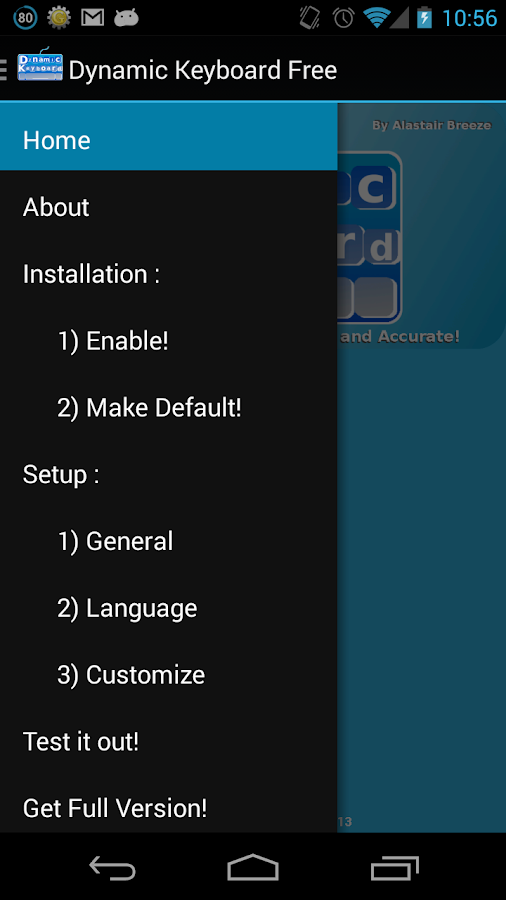
  2. Either open the drawer or click the button for ‘Enable’ , or go to language and input in settings to tick Dynamic Keyboard as enabled.

  3. Enable the app. Don’t worry the app isn’t a keylogger, it has no internet permissions! You will be warned by the android OS but it is safe.

  4. Set it as the default keyboard. You are now ready to use Dynamic Keyboard!

  5. Customize through the options to make it your own!
What’s in this version : (Updated : Sep 27, 2013)
  • Autocorrect crash bug fix SORRY D:

  • Some auto-correct bug fixes

  • Auto-correct newer api’s.

  • New :

    • New Keyboard Layouts : Danish, Dvorak, Spanish
  • Changes:

    • Little characters on keys now clearer and more defined.

    • Auto-correct punctuation problem fixed

    • Swedish layout size bug fix

    • Numpad now includes more characters in the form of press and hold chars. Eg : and -Rare app crash fixes.
  • Prediction System Update!

  • More refined!

  • More intelligent!

  • 15 new languages!

  • 16 old languages re-built!

  • (Non Latin languages still being worked on)

    • Albanian

    • Croatian

    • Czech

    • Danish

    • Dutch

    • English (CA)

    • English (UK)

    • English (US)

    • Estonian

    • Finnish

    • French

    • German

    • Hungarian

    • Icelandic

    • Indonesian

    • Italian

    • Latvian

    • Lithuanian

    • Malay

    • Norwegian

    • Polish

    • Portuguese (Europe)

    • Portuguese (Brazil)

    • Romanian

    • Serbian Latin

    • Slovak

    • Slovenian

    • Spanish

    • Swedish
  • Swiss (German)Turkish

  • HD! Graphics Now HD using anti-aliasing and other techniques (PRO and FREE) {turn off if you experience lag}

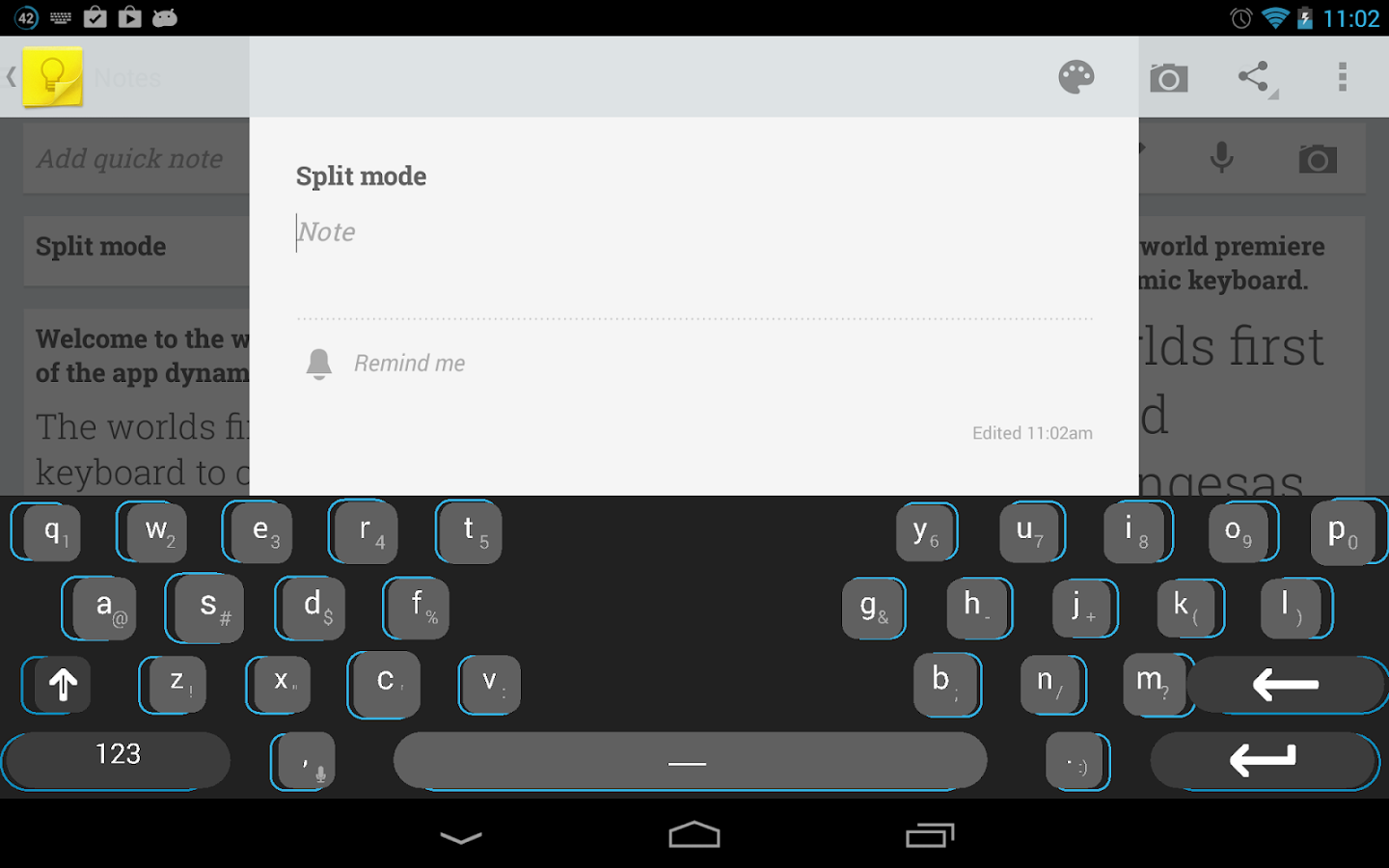
  • Fixes Split Keyboard Bug (pro only)

  • Space Bar Bug Fixed

  • Other Bug Fixes

  • Cleaned up APK
Required Android O/S : 2.1+


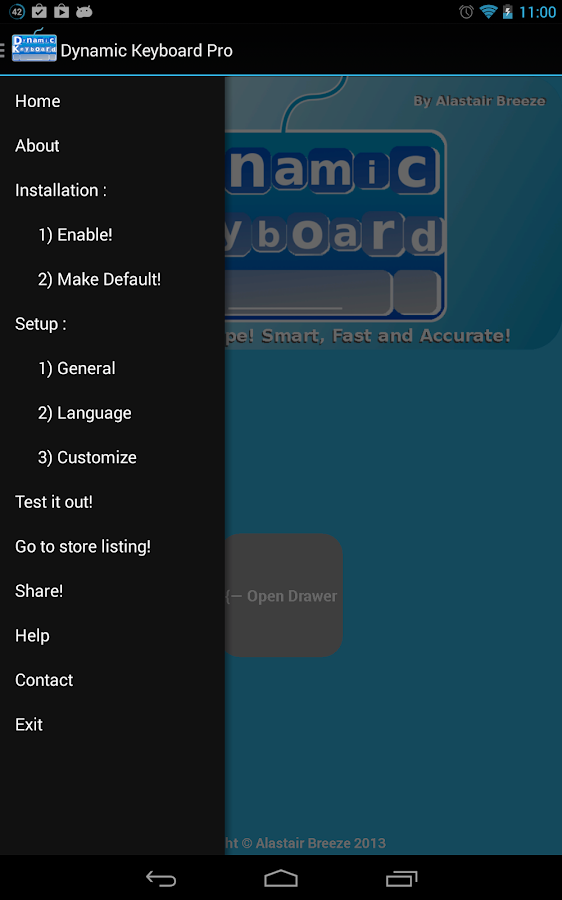
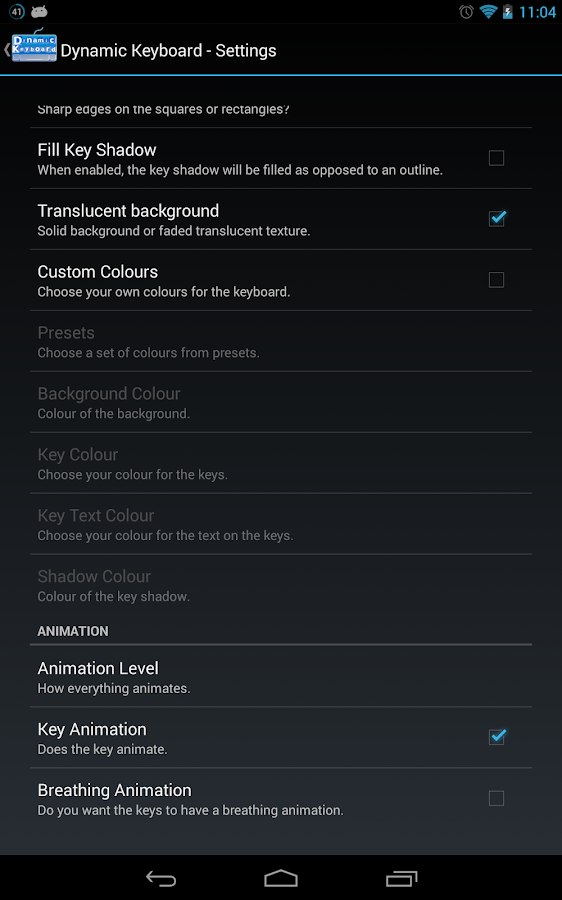
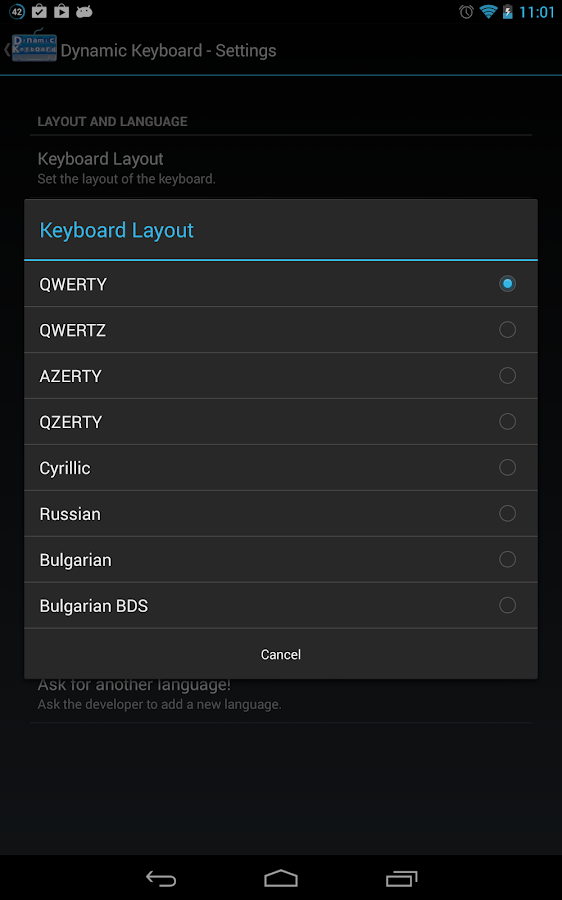
Screenshots :
Dynamic Keyboard - Pro - screenshot Dynamic Keyboard - Pro - screenshot
Dynamic Keyboard - Pro - screenshot


Download : 1Mb APK


Dynamic Keyboard - Pro v1.9.3 APK

Smart Office 2 v2.1.27 APK


Create, edit, print and share Microsoft Office documents on your phone or tablet !


Smart Office 2 
play.google.com.smartoffice
View, create, edit, print and share Microsoft Office documents on your phone or tablet.
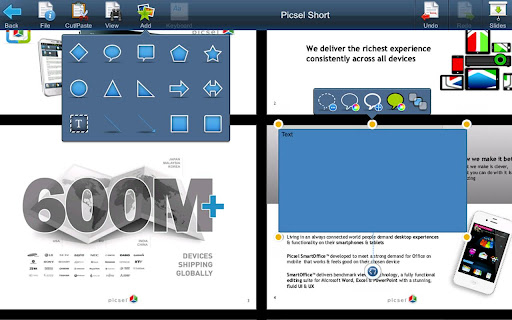
Smart Office makes creating, editing, printing and sharing Microsoft Office and other documents on the move even easier through a contextual interface, drag and drop editing and sharing to email in original or PDF format and sharing to Dropbox or Google Docs.

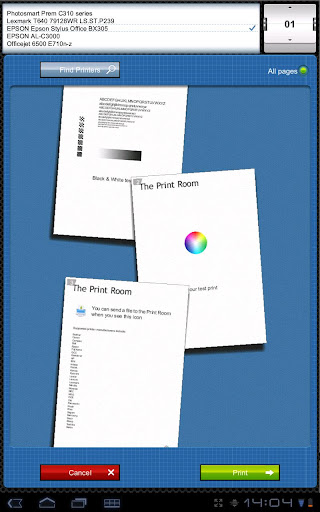
PRINTING included! No need to buy a separate Printer app. You can print to thousands of wireless printers from 34 manufacturers including HP, Epson, Canon and Samsung.

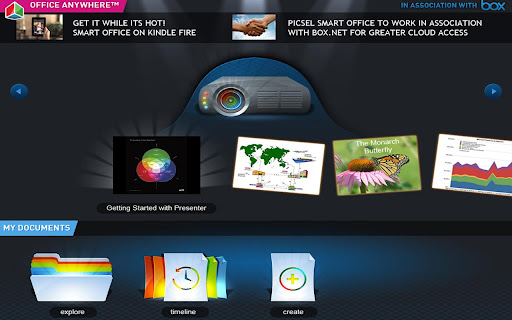
NEW USER INTERFACE! The Smart Office 2 Dashboard is your new hub for mobile office activity. It allows quick access to Printing, Presenting, Explorer Views and a News Feed.

Manage files using Picsel’s Visual Explorer file manager. See thumbnails of your document in the Timeline view and helpful information in Document Info View. Our benchmark viewing technology means you can view Adobe PDF, image files, plain text and other standard applications, without losing important content.

Load email attachments, edit and send back while you’re out of the office or in a meeting. Smart Office can save as PDF for those important documents!

Create new documents from scratch. SmartOffice is the only office application that allows you to create documents using a FREE set of preloaded templates.

Features :
  • View and edit major office documents.

  • Edit text directly in your document.

  • Export to PDF.

  • Print to thousands of wireless printers.

  • Choose fonts, colours, alignment, formatting, move images, and more.

  • Unique Document Info View.

  • Visually appealing Timeline View.

  • Send and receive email attachments.

  • Create and delete files in storage.

  • Recalculate spreadsheets and update charts with new formulae.

  • Zoom to any size from multiple-pages-on-screen, to huge.

  • Slide show presentation.

  • Cut and paste selections to the special scrap book and system clipboard.

  • Undo mistakes easily.

  • Reflow pages to fit screen or use full page layout.

  • Tablet user interface with easy dialogues.

  • Phone UI, with multi-touch or single touch gestures.

  • World’s first stereo 3D document viewing.

  • High performance loading and zooming.

  • Android 1.5 and later compatibility.

  • Search for text, and follow hypertext links.

  • Navigate easily to any page with convenient gestures.

  • Dropbox file sharing to cloud storage.

  • Google Docs file sharing for some files, beta

  • Email, SD card file access.

  • Create new documents from optional templates.

  • File browsing is convenient and fast.

  • Save correctly in original format without losing data.
File formats:
  • Microsoft Office: all versions since 1997:

  • Word, PowerPoint and Excel 97, 2000, XP, 2003, 2007, 2010, doc, docx, xls, xlsx, ppt, pptx (viewing and editing);

  • Adobe Acrobat PDF Viewer, PDF Reader, Save as PDF;

  • JPEG, PNG, GIF, BMP images; Vector WMF and EMF diagrams; plain text (viewing);

  • Print to Epson, HP, Xerox, Ricoh, Lexmark, Canon, Konica, Sharp, Oki, IBM, Toshiba, Samsung, Brother, Dell and many other wireless printers supporting HP PCL3GUI, PCL6, PCL5, Epson ESC/P-R, Samsung SPL.
Languages
  • Chinese (Simplified), Chinese (Traditional), Japanese, French, German, Italian, Korean, Polish, Portuguese, Russian, Spanish and Turkish.
View documents in the following languages: Chinese (Simplified), Chinese (Traditional), Czech, Danish, Dutch, Finnish, French, German, Greek, Indonesian, Italian, Japanese, Korean, Norwegian, Polish, Portuguese, Russian, Slovak, Spanish Swedish, Turkish and Ukrainian.

What’s in this version: (Updated : Sep 27, 2013)
  • Improvements in Smart Office’s gesture User Interface with usability improvements for Galaxy S 4 and Nexus 10.

  • Functionality improvements for format support and compatibility (Save Integrity) to Office documents

  • Memory and performance improvements, particularly for PDF.

  • Wide ranging enhancements.
Required Android O/S : 1.5+

Screenshots :


Download : 20Mb APK


Smart Office 2 v2.1.27 APK

Akinator the Genie v2.4 build 25 APK


Akinator… the Genie is back!


Akinator the Genie 
play.google.com.akinator.paid
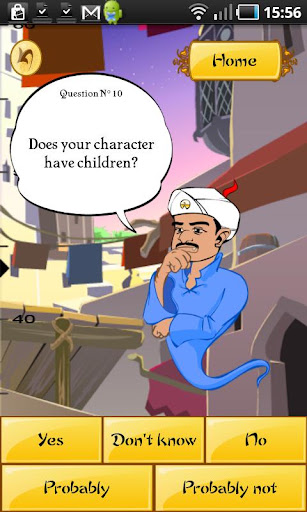
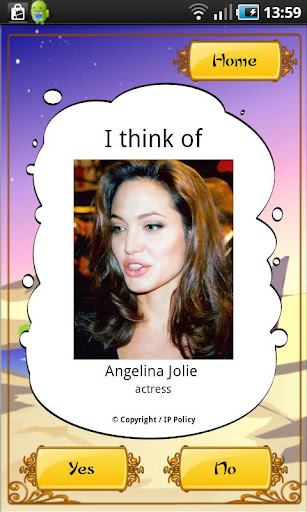
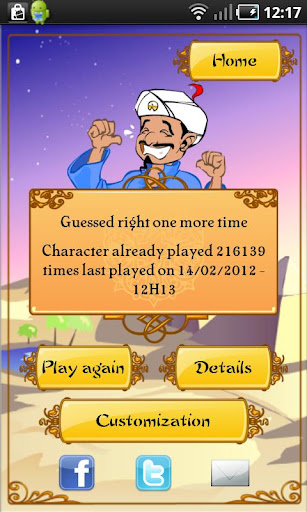
Akinator can read your mind and tell you what character you are thinking about, just by asking a few questions. Think of a real or fictional character and Akinator will try to guess who it is. Will you dare challenge the Genie?

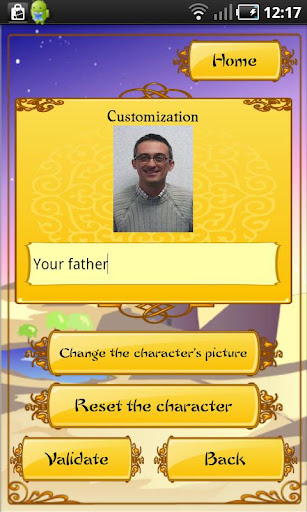
Customize people you know (name and picture) to impress your friends, share your results on Facebook, discover the new Akinometer… and much more in the updates to come. Turn on the child filter to let your children play safely.

NEW:


  • Available in Korean, Italian and Turkish! Version also adapted for your tablet.

  • Available in Arabic (only from Android OS 4.0)
Please note:
  • IMPORTANT! Akinator changed publisher and is now back with its original creator.

  • Akinator requires an Internet connection to use his magic lamp. Turn on Wifi or be sure to have a data plan (3G).

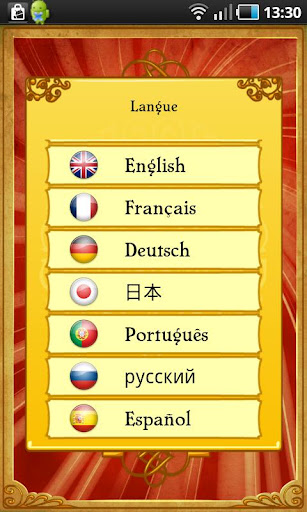
  • Available in several languages (French, English, Spanish, Portuguese, German, Japanese, Italian, Russian, Arabic, Turkish and Korean).

  • To select your language, don’t forget to scroll down the list to find it.
What’s in this version : (Updated : Sep 25, 2013)
  • Minor bugs fixed

  • Optimized for Samsung Galaxy S4
Required Android O/S : 2.2+


Screenshots :


Download : 11Mb APK


Akinator the Genie v2.4 build 25 APK

Kunundrum v1.11 APK


Guide your spark, flinging orbs to their colourful goals to unlock stage after stage of brain boggling fun !


Kunundrum
play.google..kunundrum
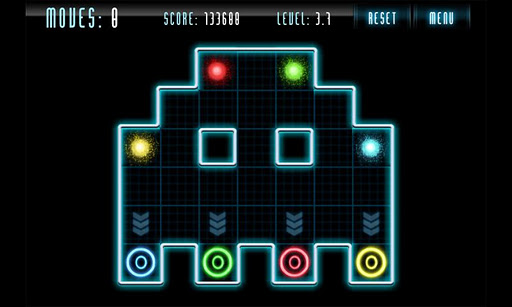
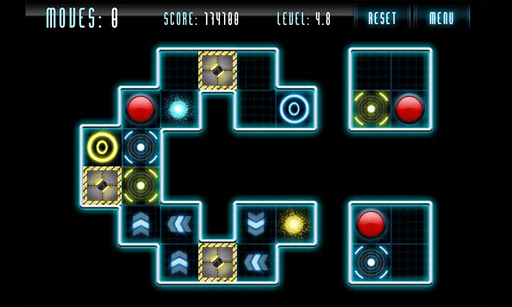
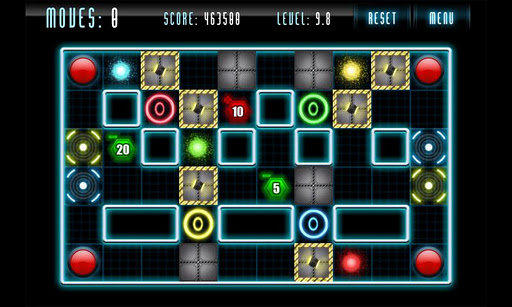
Make your way through 150 levels of intense strategy using mind warping logic encountering Teleporters, Direction Changers, Blockers, Gates and Switches that alter your path as you try to complete the puzzles in as few moves as possible.

And when you’re done there, try out one of the upcoming Map Packs with fresh new mechanics adding to the addictive game play, the possibilities are endless!

High end graphics, colourful intense art style, catchy electronic soundtrack, and fun for the young to the old. No mobile game fan should be without this great title. Download it today!


Features:
  • 150 levels 

  • Gradual difficulty going from super simple, to mind challenging 

  • Ongoing updates featuring new map packs and game play mechanics 
What’s in this version: (Updated : Sep 26, 2013)
  • 20 New Levels!

  • Undo Button

  • HD Graphics

  • Solver Tokens
Required Android O/S: 2.2+

Screenshots :


Download : 40Mb APK


Kunundrum v1.11 APK

Flow Theme for CM10.2 v3.0 APK


Flow Theme for AOKP/CM10!


Flow Theme for CM9/CM10 
play.google.com.flow
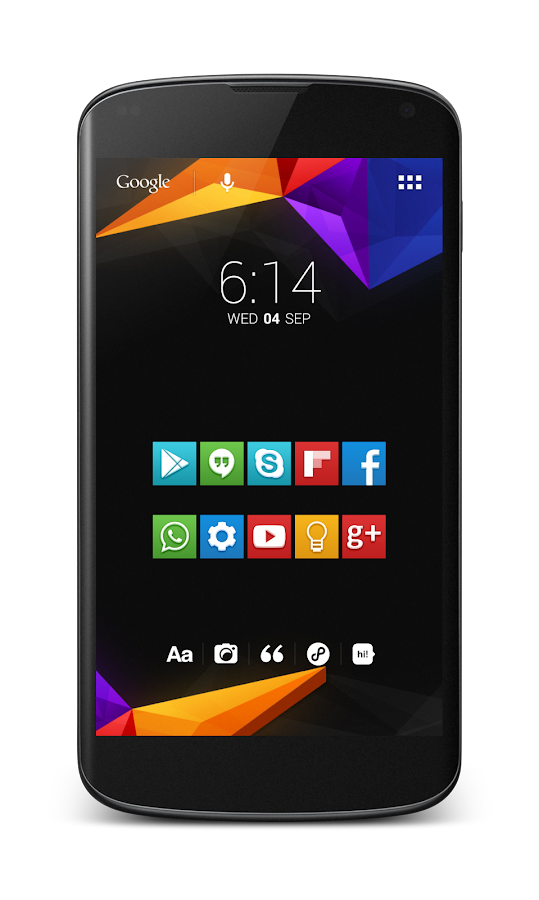
This theme works with AOKP/CM9/10 and it supports [XHDPI/HDPI(the HDPI version still needs some work but i don't have an HDPI device to solve all the issues as fast as the XHDPI version)] screen resolutions! AND now works with Paranoid Rom too!

I tried to make this theme as bugfree as possible with a really clean and elegant look.
Almost every thing is theme with 15 unique new android icon redesigned from scratch!

You’ll really understand how great this theme looks on SAMOLED screens.

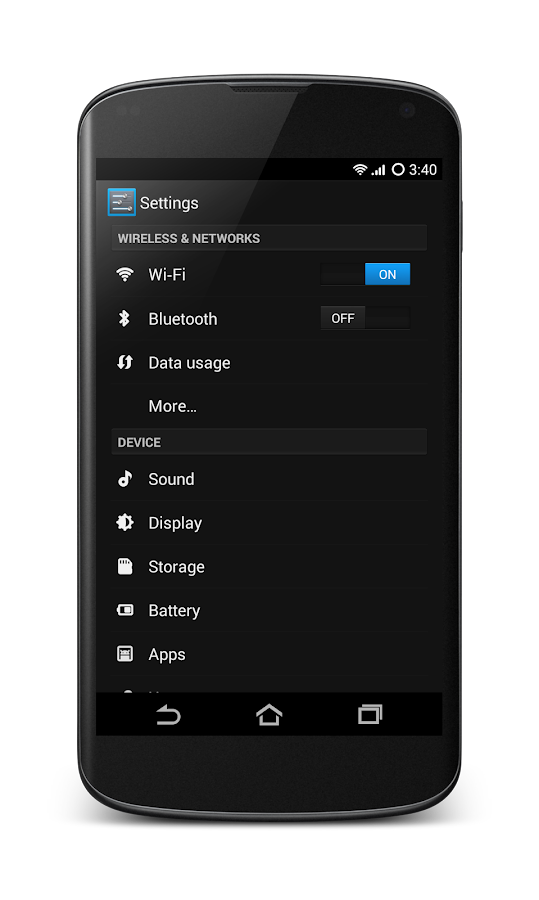
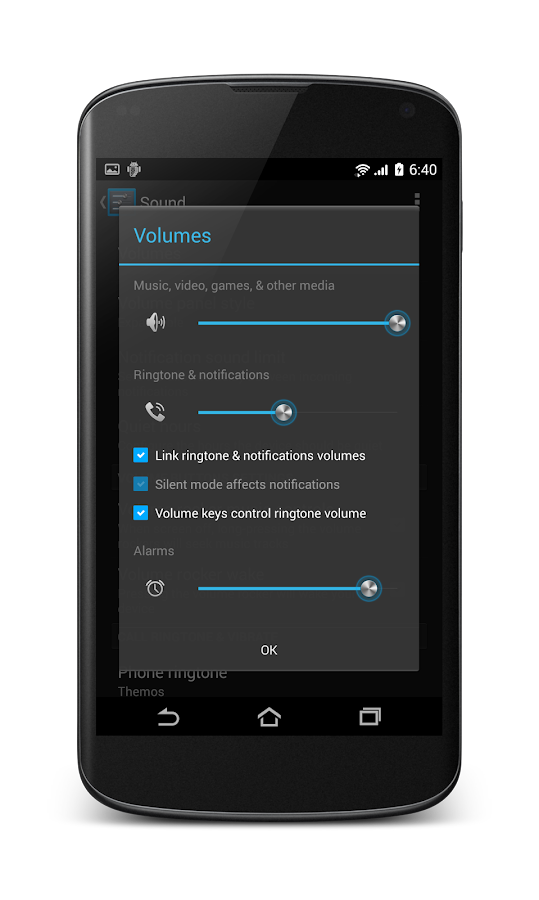
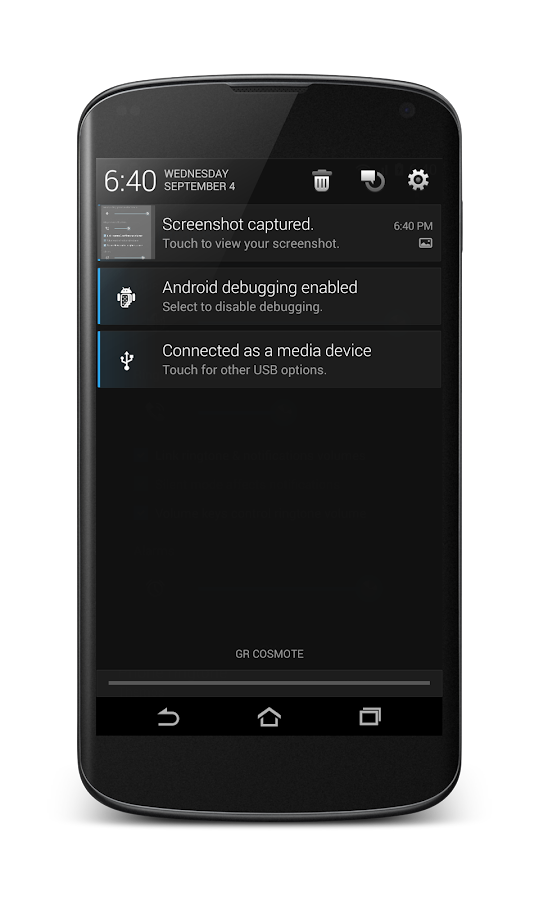
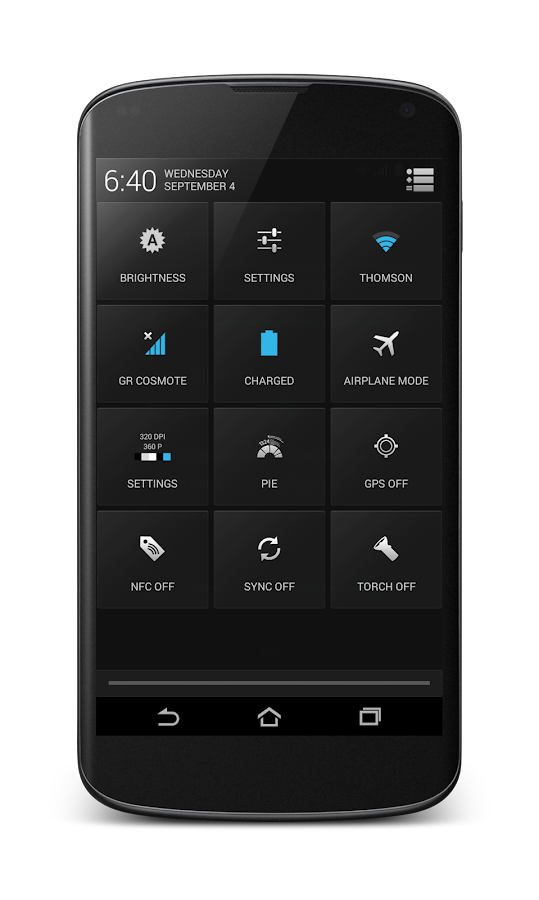
WHAT IS NEW TO THIS THEME?
  • Improved Soft keys

  • New keyboard theme

  • New very clean and modern blue system color

  • 15 New system icon with HD quality clean and sharp

  • and they give a new fresh look to Android

  • New cleaner settings look

  • New switchers

  • New Volume sliders

  • New Contacts design

  • New Messaging design

  • New clean and modern blue Spinner animation

  • New design for notification panel

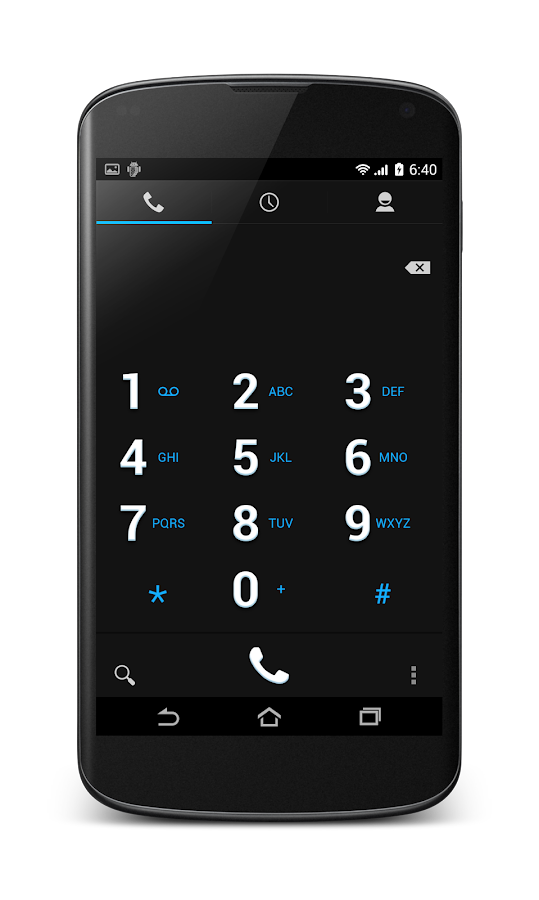
  • New dialer

  • New and really awsome camera design!

  • Improved compatibility with Nova, Trebuchet and Apex Launchers
What’s in this version : (Updated : Sep 27, 2013)
  • Fix 34% Wrong Battery Icon

  • Reduced Apk Size

  • Xml Code Cleanup

  • Fixed Transparent Keyboard Bug

  • Improved Blue Color

  • Fix Alignment Issues With Mdpi Devices

  • Fixed Invisible Favorite Button

  • In order to see the changes you MUST reboot after the update!
Required Android O/S : 4.0+


Screenshots :
Flow Theme for CM9/CM10.2 - screenshot Flow Theme for CM9/CM10.2 - screenshot

Download : 1.4Mb APK


Flow Theme for CM10.2 v3.0 APK

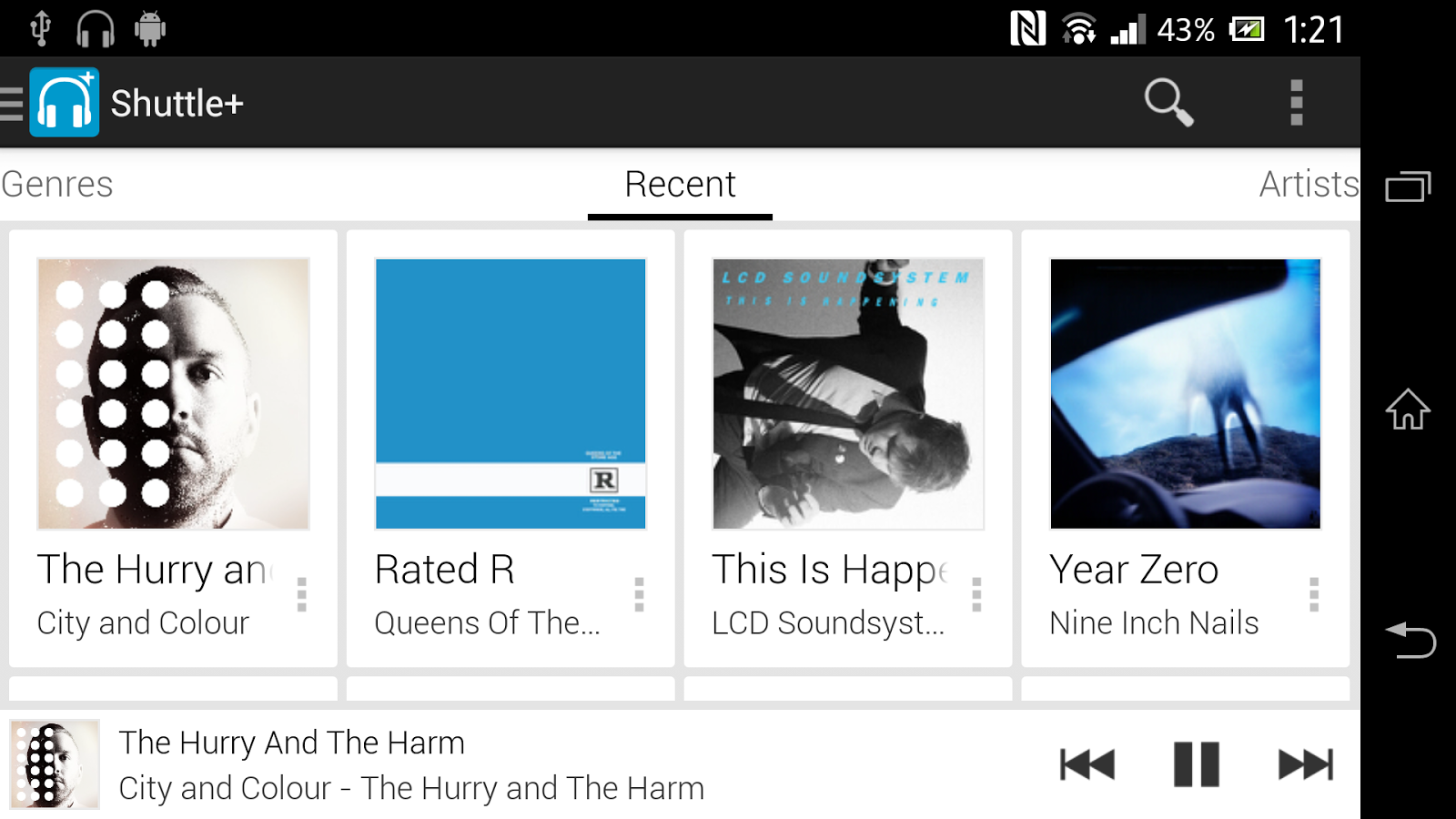
Shuttle+ Music Player v1.2.0 APK


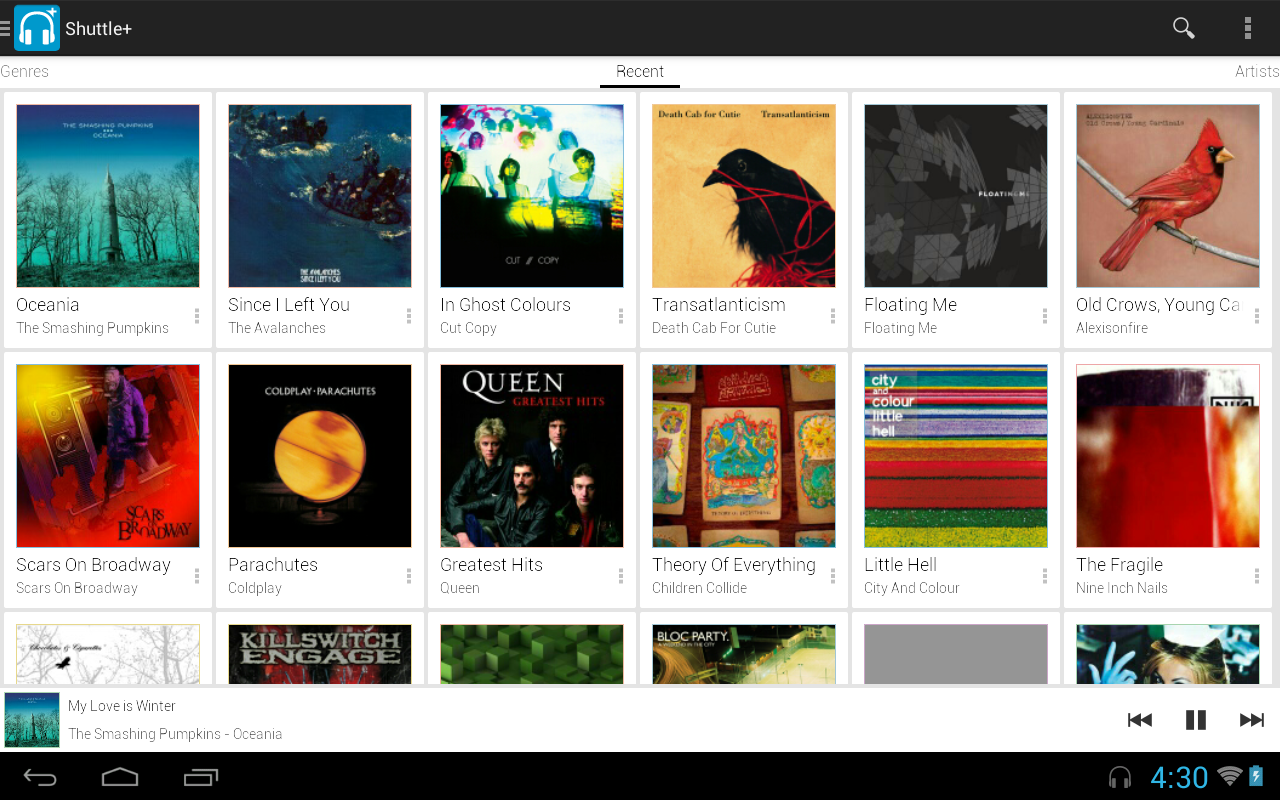
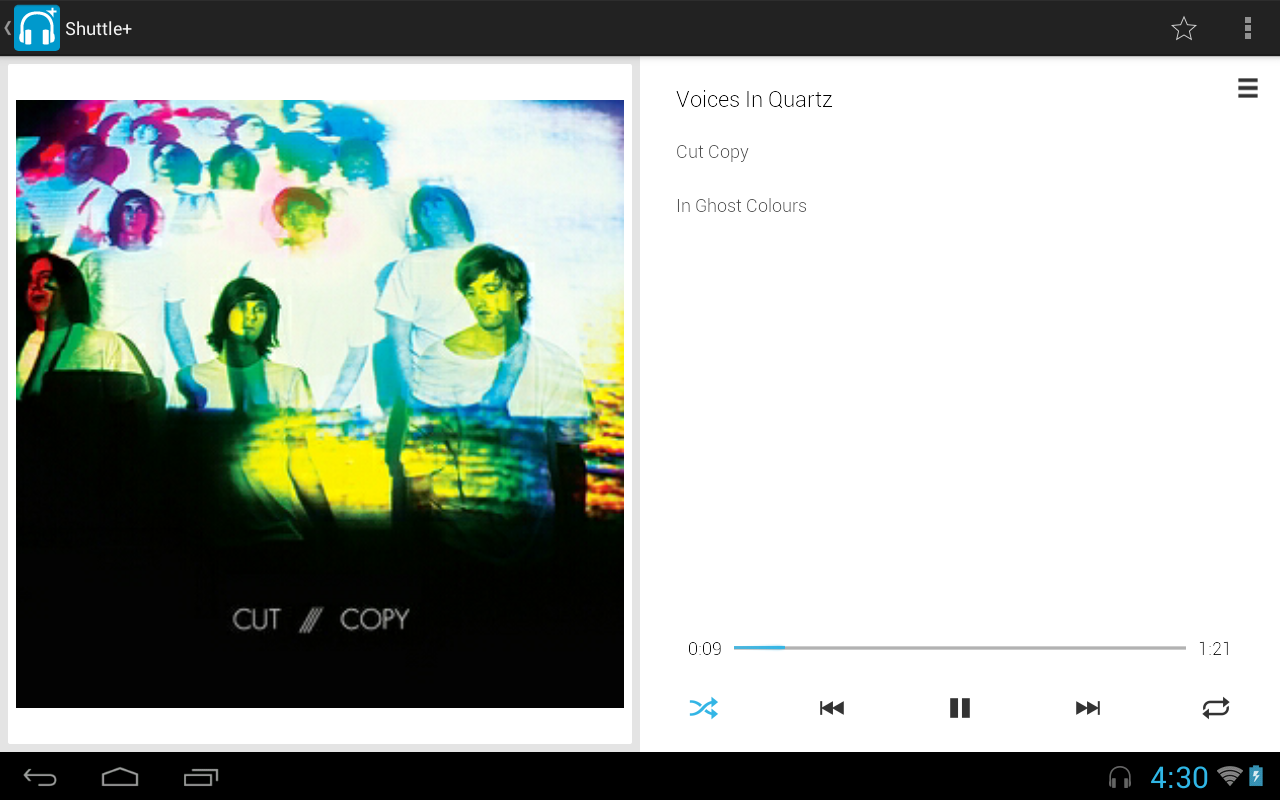
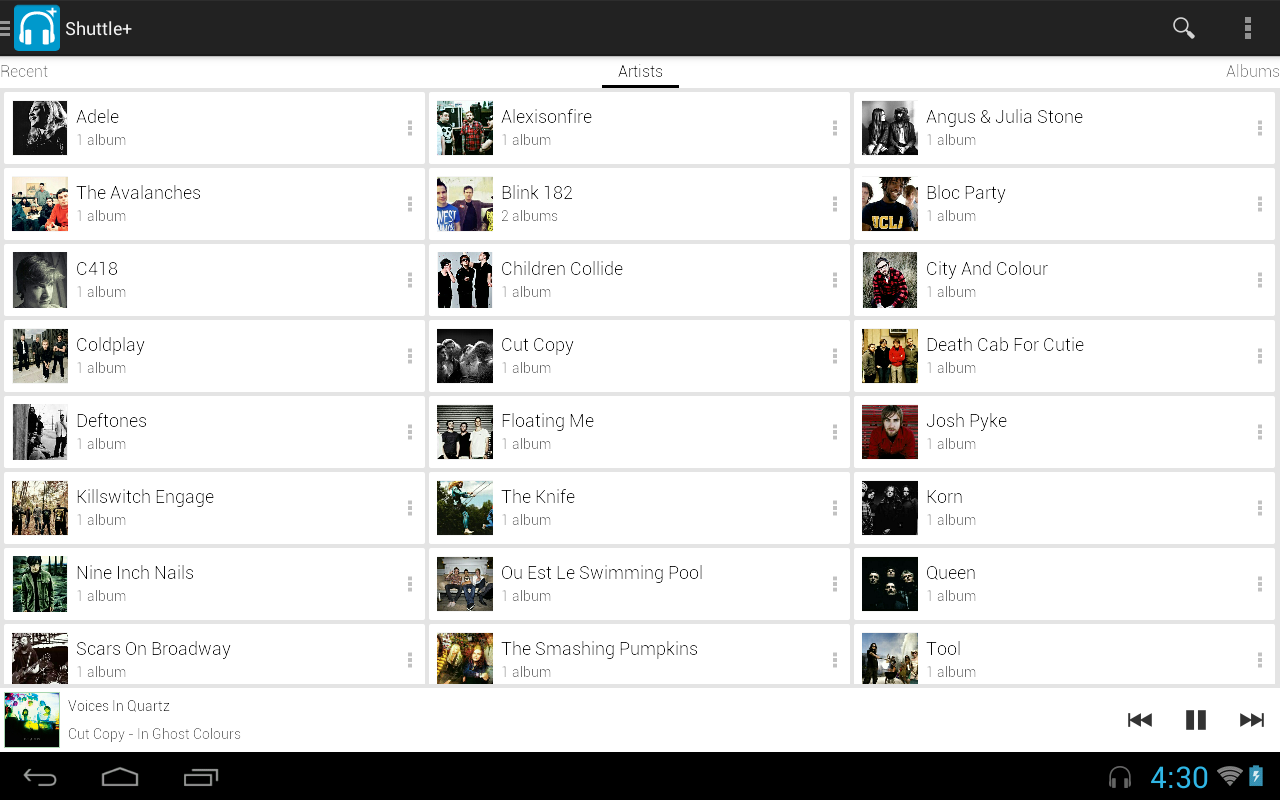
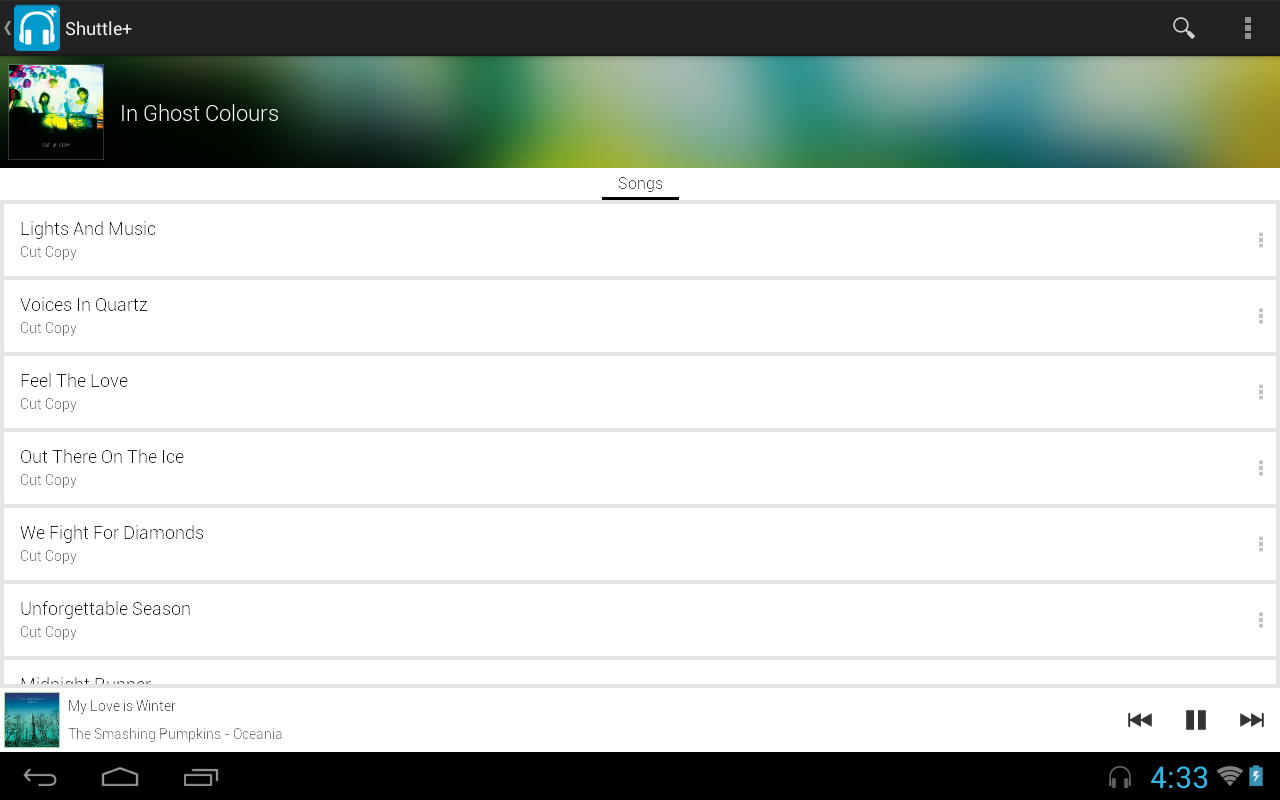
AMP+ A simple, intuitive, lightweight music player for Android!


Shuttle+ Music Player
play.google.com.amp_pro
AMP is easy to navigate, intuitive & constantly evolving to a better music player – aspiring to be the music player of choice for Android devices.

Features:
  • Playlists

  • Enqueue

  • Lockscreen controls (ICS+)

  • Notification controls (Honeycomb+)

  • Jelly Bean notification controls

  • Gapless playback (Jelly Bean +)

  • Landscape & portrait mode

  • Persistent now playing bar

  • Fast image caching

  • Customisable widget

  • Headset button controls

  • Automatically stop playing when disconnecting headset

  • Album Art Downloading

  • 5 Band Equalizer

  • Gesture control

  • Scrobbling support

  • 3 Different Themes!

What’s in this version : (Updated : Sep 27, 2013)
  • Playlist items moved to the navigation drawer

  • Portuguese-Brazilian & Turkish translations

  • Save queue as playlist & delete current track options

  • Undo option added to swipe-to-dismiss & sensitivity reduced

  • 4×4 Widget

  • Enqueue works when shuffle is on

  • Swiping the album art no longer ignores shuffle

  • Interface option to stay on same page after pressing a song.

  • Force close error occurring when artist name contains an apostrophe fixed

  • New version numbering system
Required Android O/S : 2.2+


Screenshots :
Shuttle+ Music Player - screenshot

Download : 4Mb APK


Shuttle+ Music Player v1.2.0 APK